# Launching GitHub Desktop from the command line
You can launch GitHub Desktop from the command line.
1. In the menu bar, select the **GitHub Desktop** menu, then click **Install Command Line Tool**.
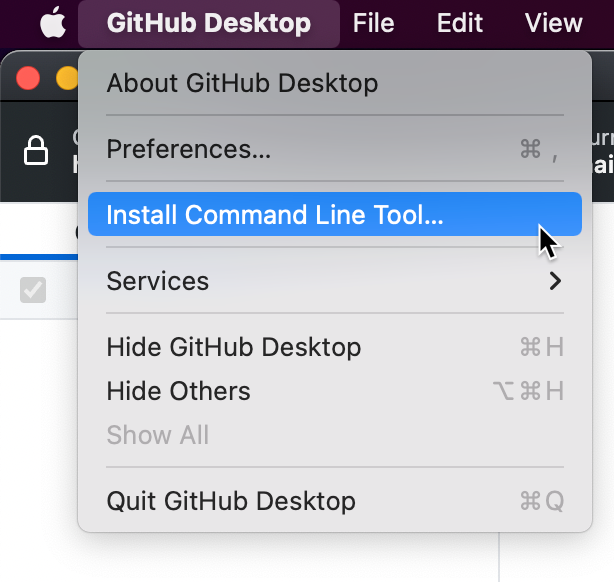
2. Open Terminal.
3. To launch GitHub Desktop to the last opened repository, type `github`. To launch GitHub Desktop for a particular repository, type `github` followed by the path to the repository.
```shell
github /PATH/TO/REPO
```
You can also change to your repository path and then type `github .` to open that repository.
```shell
$ cd /PATH/TO/REPO
[repo]$ github .
```
1. Open a command prompt.
2. To launch GitHub Desktop to the last opened repository, type `github`. To launch GitHub Desktop for a particular repository, type `github` followed by the path to the repository.
```shell
C:\Users\octocat> github PATH\TO\REPO
```
You can also change to your repository path and then type `github .` to open that repository.
```shell
C:\Users\octocat> cd REPO\MY-REPO
C:\Users\octocat\repo\myrepo> github .
```